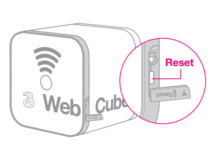
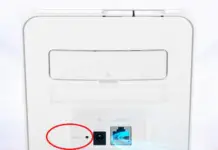
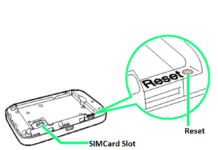
We have recently found the RESET button of different WiFi routers, including Huawei B612, B618, E5575, B882, E5885, etc. Huawei B535 (including sub-models B535-232, B535-235, etc.) also has a separate RESET button. If you have forgotten the B535 5G Wi-Fi router’s login password, then this post will help you reset to factory default settings.
How to Master Reset Huawei B535 Router Password?
1. Turn On the Huawei B535.
2. To reset the device, press the RESET button with a pin/pen/pencil and hold for around 3 seconds.
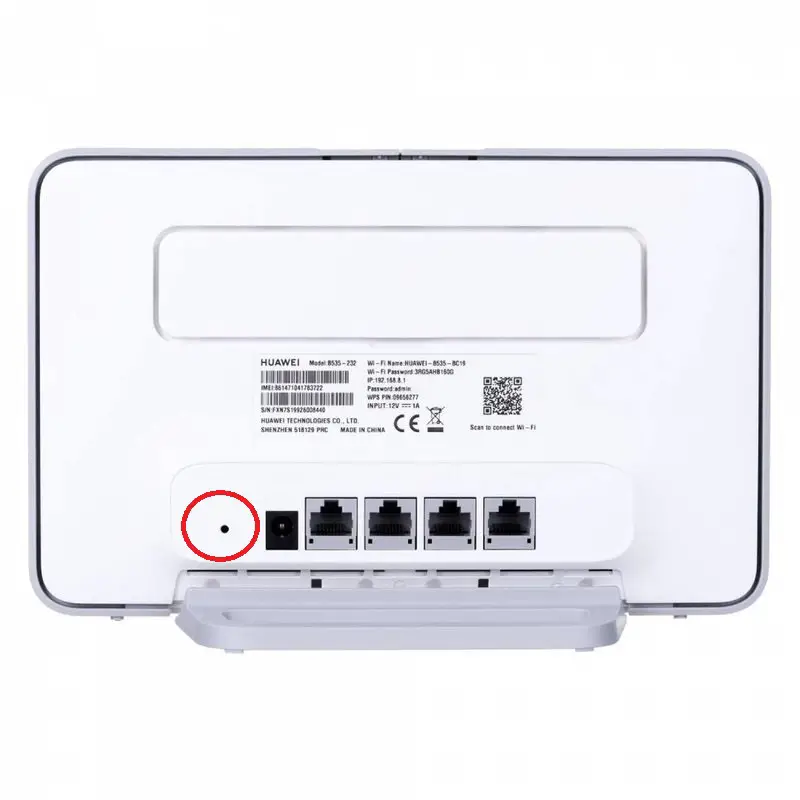
3. Huawei B535 will restart automatically to reset it to factory default settings.
Now all the passwords and configurations stored on the device will be erased permanently. You can log in again with the default password and make a new configuration.
If you can log in to the device, but due to the wrong configuration you want to RESET the router, do the following:-
1. Turn the device ON.
2. Connect to PC or phone with WiFi.
3. In the address bar, enter 192.168.8.1 and press Enter.
4. Enter your login information and choose Log In.

5. Choose Settings > System > System Defaults > Restore.
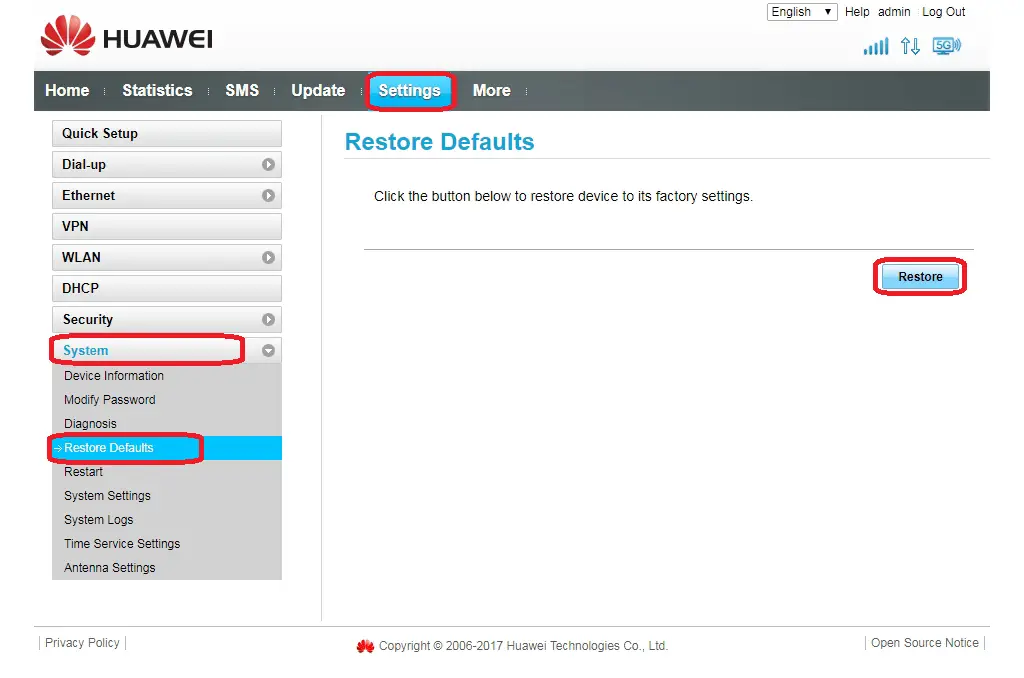
6. When prompted, select OK.
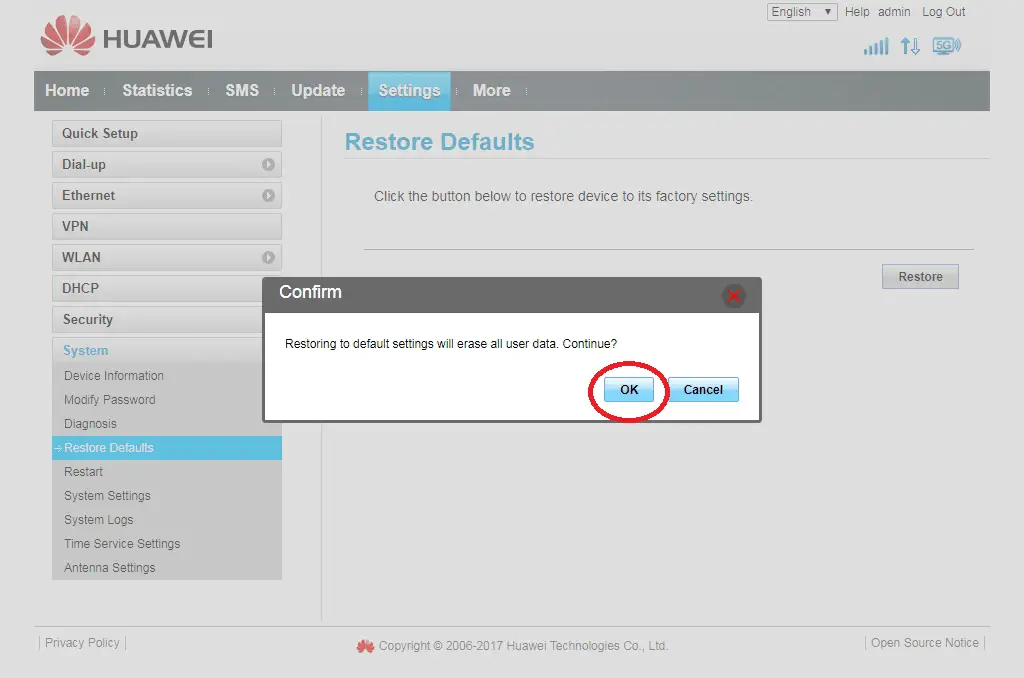
Now, Huawei B535 will automatically reset and reboot. All data and settings saved on the Huawei B535 will be deleted. You can now login with default details, which are written on the device.