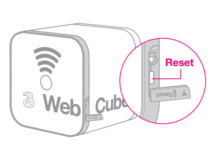
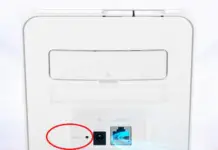
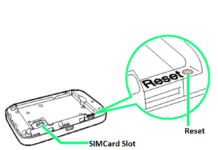
We have already seen several Huawei devices Reset button and its function. You can find out the reset button of Huawei E5575, B882, E5885, B525, etc. This post will show how to reset the Huawei B315 router password if you have forgotten?
How to Master Reset Huawei B315 Router Password?
1. Turn the device ON.
2. From the device’s backside, press the reset button using pin/pen/pencil.
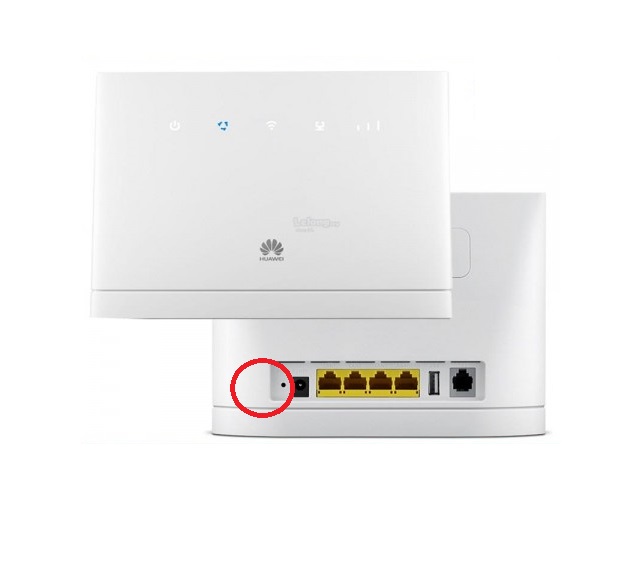
3. You will notice that the second LED indicator is blinking.
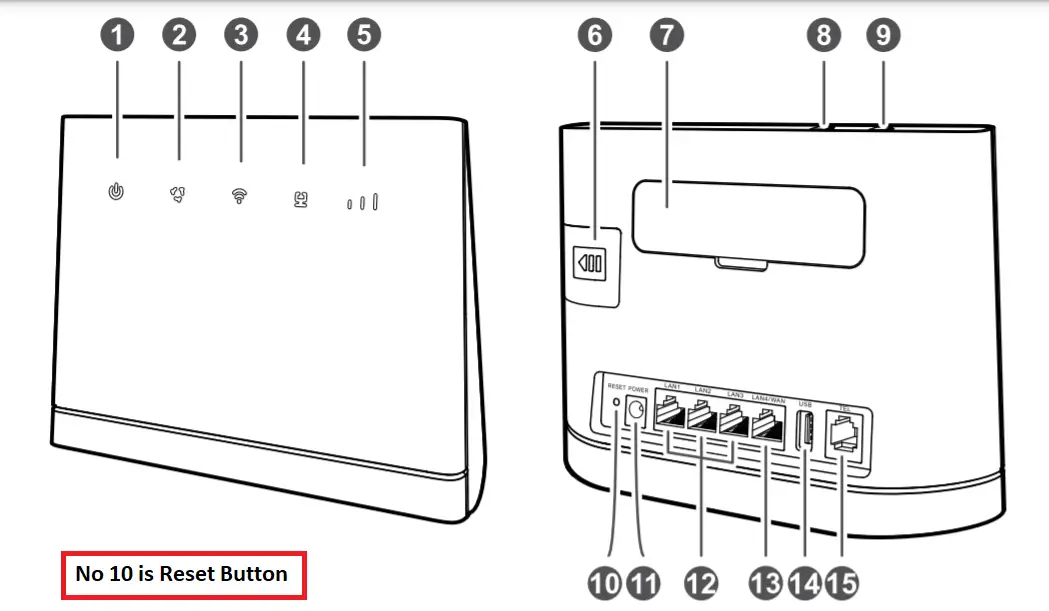
Now, Huawei B315 will restart automatically, and factory defaults will be restored.
Note: During the reset, all saved passwords and configurations will be erased automatically. Again, you need to log in with the default details provided on the router and set it up for further use. This method is applicable for all B315 sub-models, including B315s-22, B315s-519, B315s-607, etc.