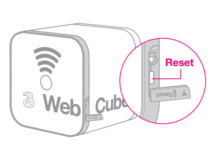
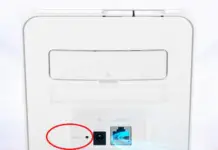
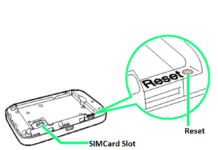
We have recently found the reset button of different WiFi routers, including Huawei B315, E5575, B882, E5885, B525, etc. Huawei B310 (including sub-models B310s-22, B310s-518, B310s-927, B310s-925, etc.) also has a separate reset button. If you have forgotten the B310 Wi-Fi router’s login password, then this post will help you reset to factory default settings.
How to Master Reset Huawei B310 Router Password?
Step 1. Turn ON the Huawei B310 router.
Step 2. Press and hold the RESET button (as shown below image) using a pin/pen/pencil for about 3 seconds.
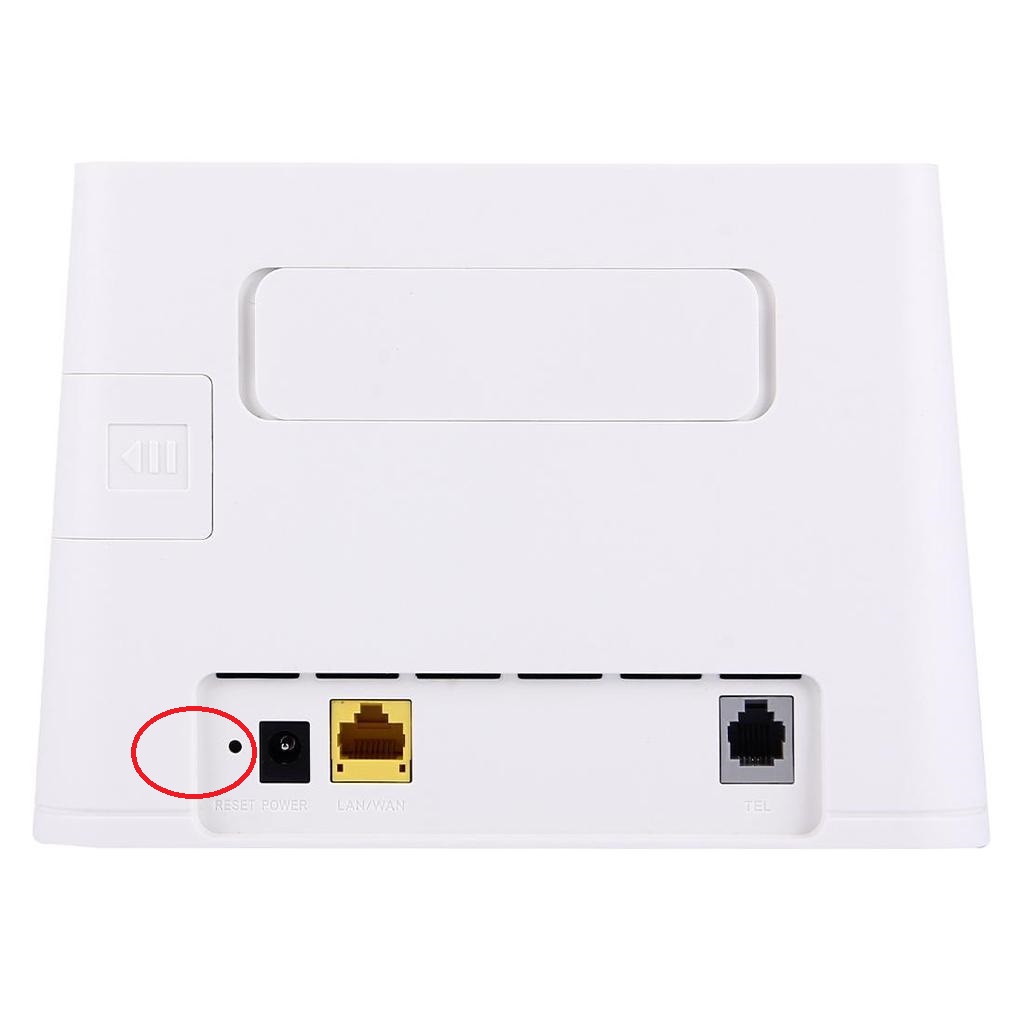
Step 3. The second LED indicator will start blinking.
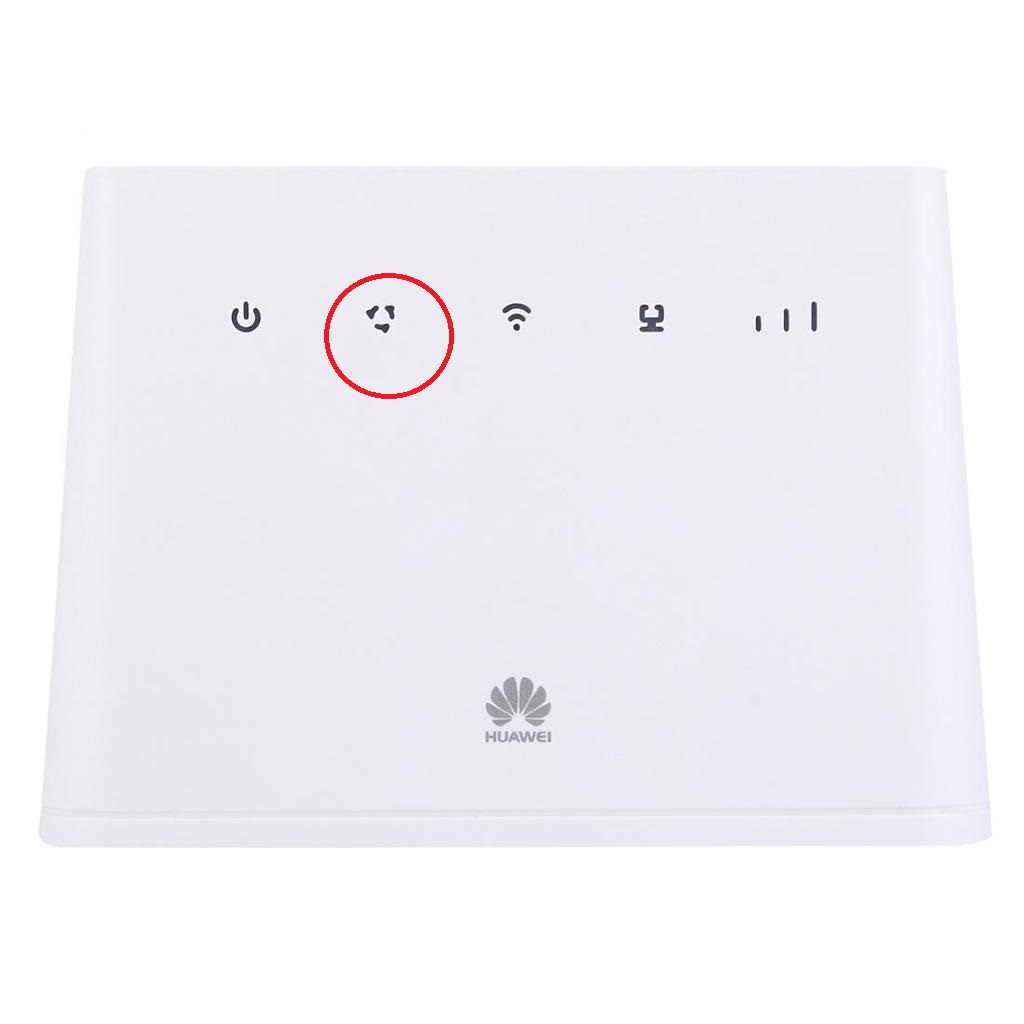
Now, your Huawei B310 router will automatically restart, and the factory defaults will be restored. All the settings and passwords stored on the router will be erased. You can now use the default login details, admin/admin, to again set up the router.