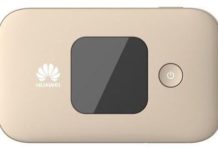
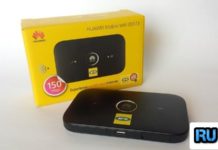
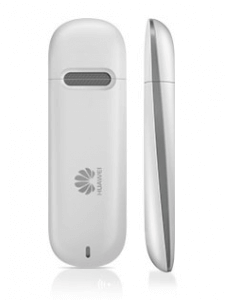
MTN carrier of Congo has launched Huawei E303 dongle. It is E303H-2 and comes in Hilink format, which means it connects to the internet through WebUI. Huawei E303H also comes locked to Life, Airtel, Orange, Entel, Unitel, and Tigo, but it runs Huawei mobile partner and is a normal modem.
Basic details of E303H MTN Congo:
Model: Huawei E303
IMEI : 8625660208*****
Serial NR. : V8Q7S144040****
Firmware: 22.318.25.00.473
Compile date / time : Mar 14 2014 19:42:04
Hardware ver. : CH1E3531SM
Dashboard version: WEBUI_15.100.10.00.473
SIM-Lock status: Locked (Card lock)
Wrong codes entered : 10 (unlock attempts left : 0)
As you can see that E303 MTN has 0 attempts left to enter the code. This means it can not be unlocked simply by entering the code. You need to change the firmware, and after that, it will return with 10 unlock attempts left.
How long we need to wait for a Huawei unlock code?
The approximate delivery time for a Huawei unlock code is 10 minutes to 8 hrs.
The average response time for a Huawei unlock code is 30 minutes (based on the last 100 orders).
How to Unlock Huawei E303H-2 MTN Congo?
1. Change the default SIM card with any other network provider and connect the data card to Windows PC.
2. Download the firmware (Will be shared with only paid users).
3. Extract the downloaded file in a folder.
4. Run the firmware update.
5. It will ask you for a password.
6. Enter the firmware code as a password.
Note: You can generate from the universal master tool or comment below with model and IMEI.
7. Click Next.
8. Wait till finish.
9. Now, it will automatically open the WebPage of the E303H dongle and ask for NCK / SIMLock code.
10. Enter the correct 8-digit code, and your E303H-2 MTN dongle will be unlocked permanently.
Note: Unlocking firmware and SIMLock code is not free.