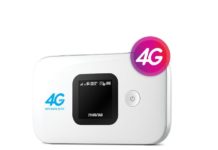
MTN Ivory Coast locked Huawei E5573s-856 can be unlocked as our team has successfully developed the tool. It is basically modified firmware 21.200.05.00.647 of MTN Ivory Coast Huawei E5573s-856. This device security is too high, so all normal firmware gives the error.
The best feature of our modified firmware is that it can unlock your router without opening the screws of the device. This means, for unlocking of MTN Ivory Coast Huawei E5573s-856, there is no boot shot involved.
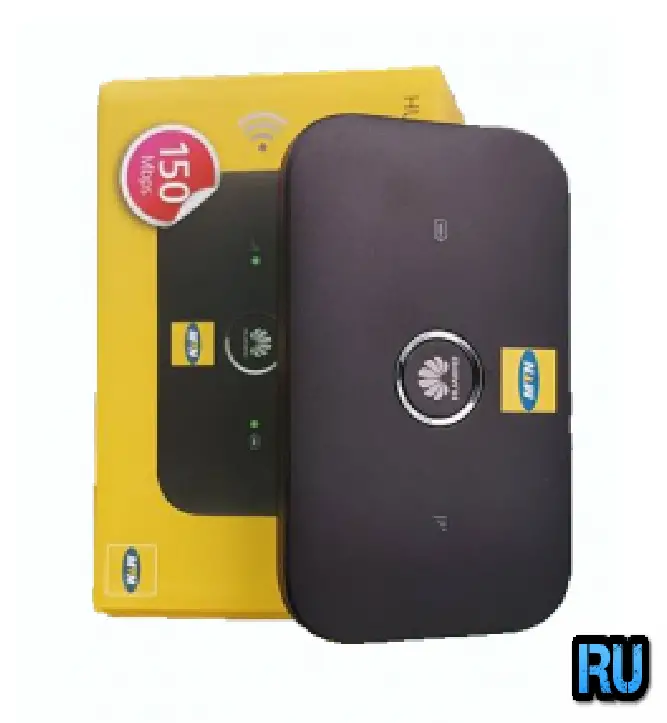
This modified file will work with only firmware version 21.200.05.00.647, which comes locked to MTN Ivory Coast Huawei E5573s-856 router.
How to Unlock MTN Ivory Coast Huawei E5573s-856 (Firmware 21.200.05.00.647)?
1. Download the unlocking file of MTN Ivory Coast Huawei E5573s-856 from the link provided at the end of this post.
2. Run on any Windows PC (32-bit or 64-bit / Win XP, Win 7, or Win 10).
3. The Unlocking app of MTN Ivory Coast Huawei E5573s-856 will generate the hardware ID and copy and email me once paid (Charge is 6USD).
4. Our team will provide the key according to the hardware ID.
5. Once you are ready with the key, download Huawei’s latest drivers.
6. Unzip using WinRAR software and run the setup file.
7. It will install the correct drivers in the background.
8. Now download and run DC unlocker software.
9. Click on Search Magnifying Glass.
10. It will detect your device and show complete details.
11. At the end of the result, in a new line, paste AT^GODLOAD.
12. Press Enter from the keyboard.
13. Wait for 10-second to load the drivers.
14. Now run the MTN Ivory Coast Huawei E5573s-856 unlocking file, which you have already downloaded.
15. Fill in the registration name and key which you have got from our team.
16. Click Register to start flashing the firmware of your MTN Ivory Coast Huawei E5573s-856 router.
17. Once the flashing is completed, again detect the device in DC-unlocker software.
18. At the end of the result, paste the following:
AT^RESET
19. Press Enter from the keyboard.
A response will come as OK.
Now your MTN Ivory Coast locked Huawei E5573s-856 (Firmware 21.200.05.00.647) is unlocked permanently to use with all sim cards.