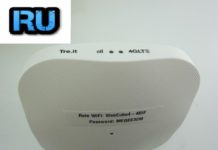
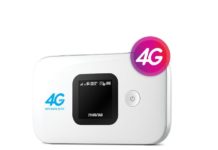
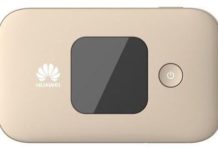
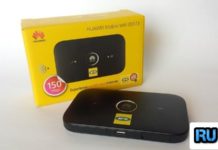
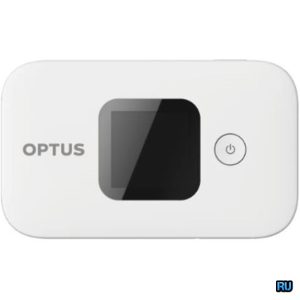
 SIMlock code of Huawei E5577Fs-932 WiFi router is available, means if your device is asking for unlock code after changing the SIM card then it can be unlocked easily. Unlocking of Huawei E5577Fs-932 is one-time work but allows using any supported bands SIM card. This means that once the router is unlocked, you can use any network provider SIM card worldwide.
How long we need to wait for a Huawei unlock code?
The approximate delivery time for a Huawei unlock code is 1 to 10 days.
The average response time for a Huawei unlock code is 2 days (based on last 100 orders).
How to Unlock Huawei E5577Fs-932 Router?
1. Switch off the Huawei E5577Fs-932.
2. Change the default SIM card with any other network provider SIM card.
3. Switch on the router.
4. Connect to PC with USB/LAN cable or WiFi.
5. Browse for its default IP address 192.168.x.x.
6. Log in to the device with admin/admin.
7. It should redirect you to the unlocking page; if not, then under the Settings search option for SIMlock / Unlock / NCK.
8. Enter the correct 8-digit unlock code, which is provided by routerunlock.com.
9. Click OK.
10. Once the Huawei E5577Fs-932 accepts the code, it will be unlocked forever.
11. Now, create a new profile according to the new SIM card and connect to the internet.
Note: Don’t try any free codes into your Huawei E5577Fs-932; otherwise, it will be locked permanently. Only pay if the device asks for a SIMlock code and attempts are left to enter the code.